Watch my YouTube video, or use the steps below for an in-depth guide.
Discover how easy it is to create stunning projects with the Cricut Joy Xtra! In this quick tutorial, we’ll guide you through a simple yet impressive design that can be completed in under a minute. Perfect for beginners and experienced crafters alike, this project showcases the versatility of Cricut’s compact yet powerful machine.
What You’ll Need
• Cricut machine
• Iron-on (I used Cricut Smart Iron-On)
• Cricut Design Space app
• Additional tools like a weeder or scraper
Step-by-Step Guide
1. Prepare Your Design
Open Cricut Design Space and select or customize your design. Choose a pattern or text suitable for the project.
2. Load Your Materials
Insert your material into the Cricut Joy Xtra, ensuring it’s aligned properly. Use a mat if required.
3. Cutting the Design
Let the Cricut work its magic. Within moments, your design will be precision-cut, ready for assembly.
4. Assemble the Project
Use transfer tape, adhesive, or other tools to complete your project as demonstrated in the video.
In just under a minute, you’ve created something truly unique and beautiful. Cricut Joy Xtra is an amazing tool for quick projects that don’t skimp on quality. Stay tuned for more tutorials and creative ideas!
Looking to add a personal touch to your glassware? Glass etching is a fun and easy way to customize mugs, wine glasses, or any glass surface with your own designs! Whether you want to create a funny gift, a stylish décor piece, or something uniquely yours, this guide will walk you through the process using etching cream and a Cricut machine.
With just a few supplies and some creativity, you’ll have a stunning etched mug that looks professionally made. Let’s dive in and transform plain glass into something extraordinary!
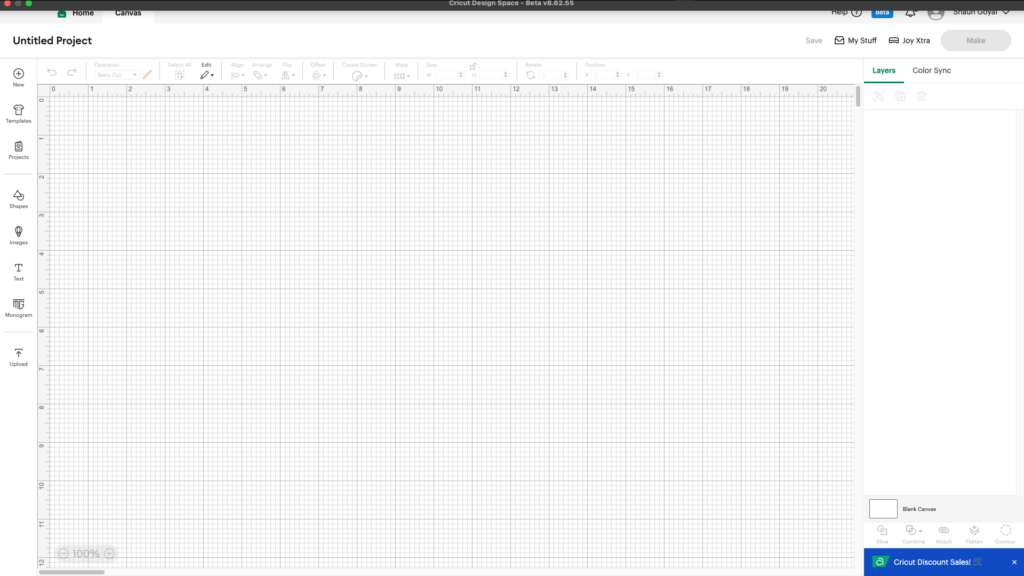
Open Cricut Design Space on your computer or mobile device. I recommend to use a computer for the best experience.
After, click on “Canvas”.
Canvas tab on Cricut Design Space on MacOS
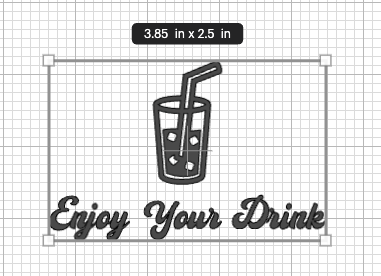
Use the icons on the left to create your design. Get creative by adding things such as shapes, images, and text.
Measure your glass and select your icons, make sure they are an appropriate size.
Attach your items so they cut together.
Step 2 – Cut Your Design
Tap “Make” and follow the steps on the screen. Make sure to use any type of removable vinyl. This is your stencil that will be removed after etching.
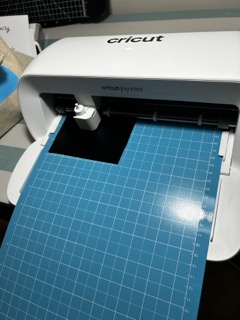
My Cricut Joy Xtra cutting the stencil
After, remove your stencil, and weed out the negative pieces.
My stencil after weeding
Step 3 – Apply the Stencil
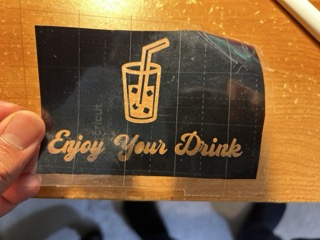
Stick the transfer tape to your vinyl. Use the scraper tool and press hard to ensure the design adheres. After, peel the design off the vinyl backing.
My stencil on the transfer tape
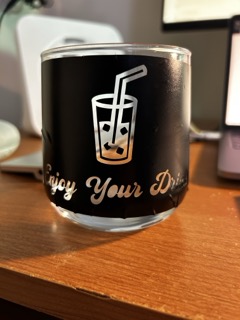
Carefully adhere the vinyl to the glass. Slowly peel off the transfer tape.
My stencil on the glass
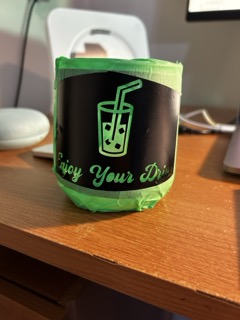
Apply painter’s tape around the vinyl to make sure the cream doesn’t leave unwanted marks.
The glass with my stencil and painter’s tape
Step 4 – Apply the Cream
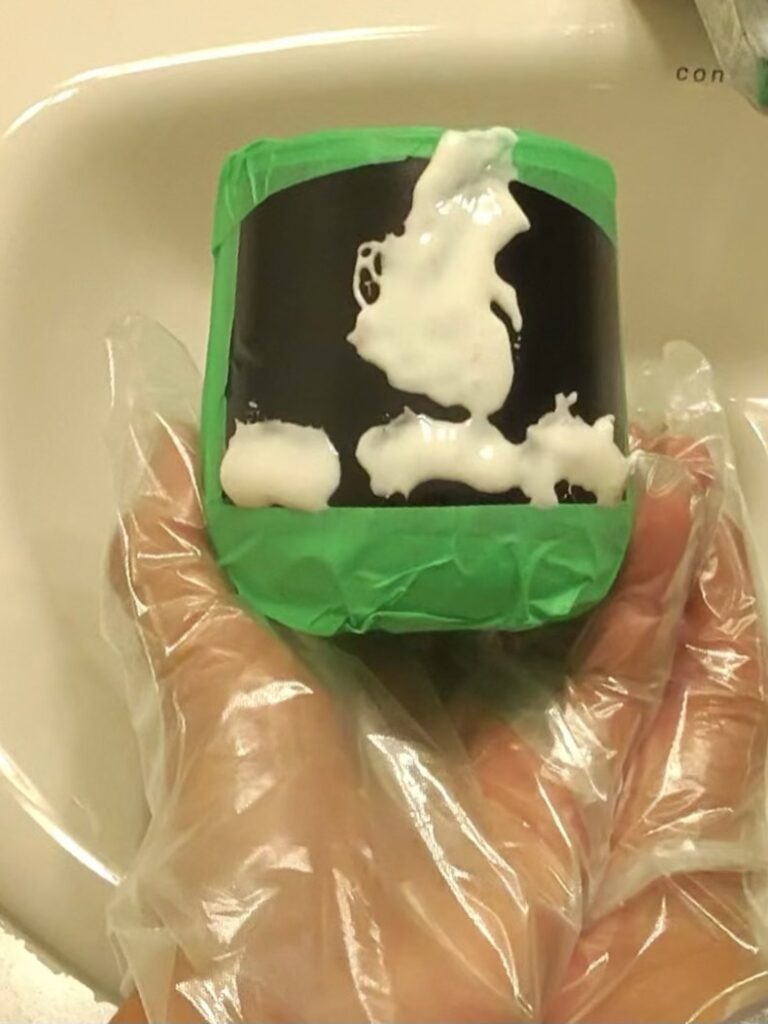
Follow the instructions for your etching cream. Make sure to wear gloves and do not touch the cream with your skin. For Armour Etch, apply a thick layer for 1-3 minutes.
My glass with the etching cream on
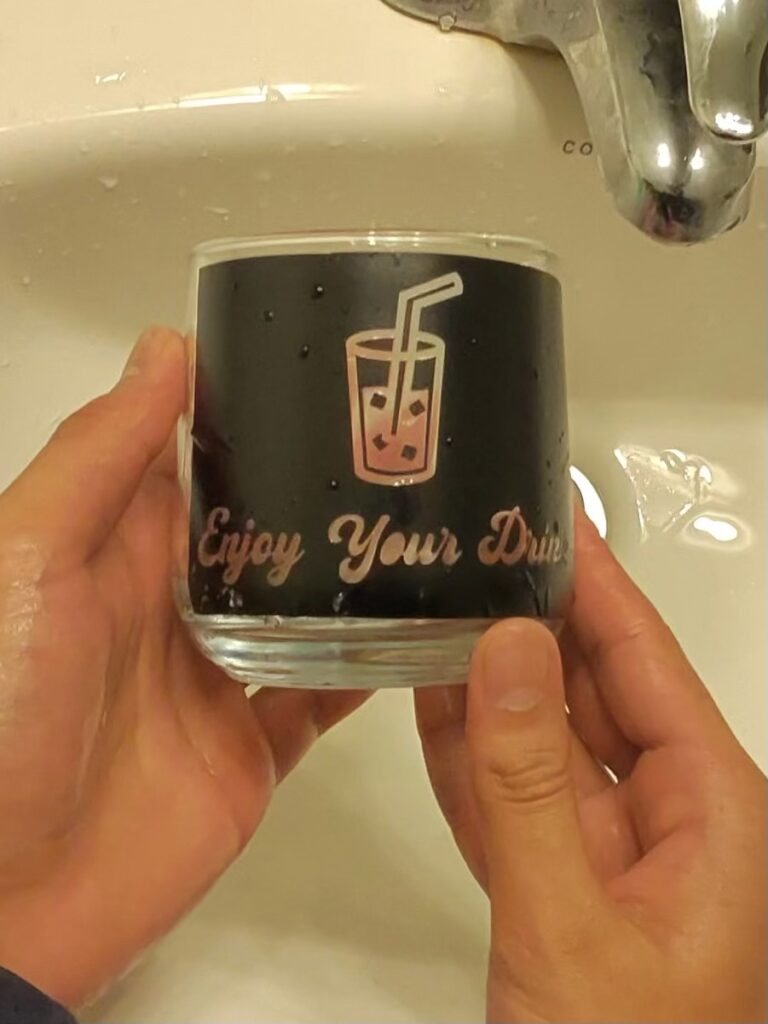
After the time is up, rinse the cream off and remove the vinyl and painter’s tape.
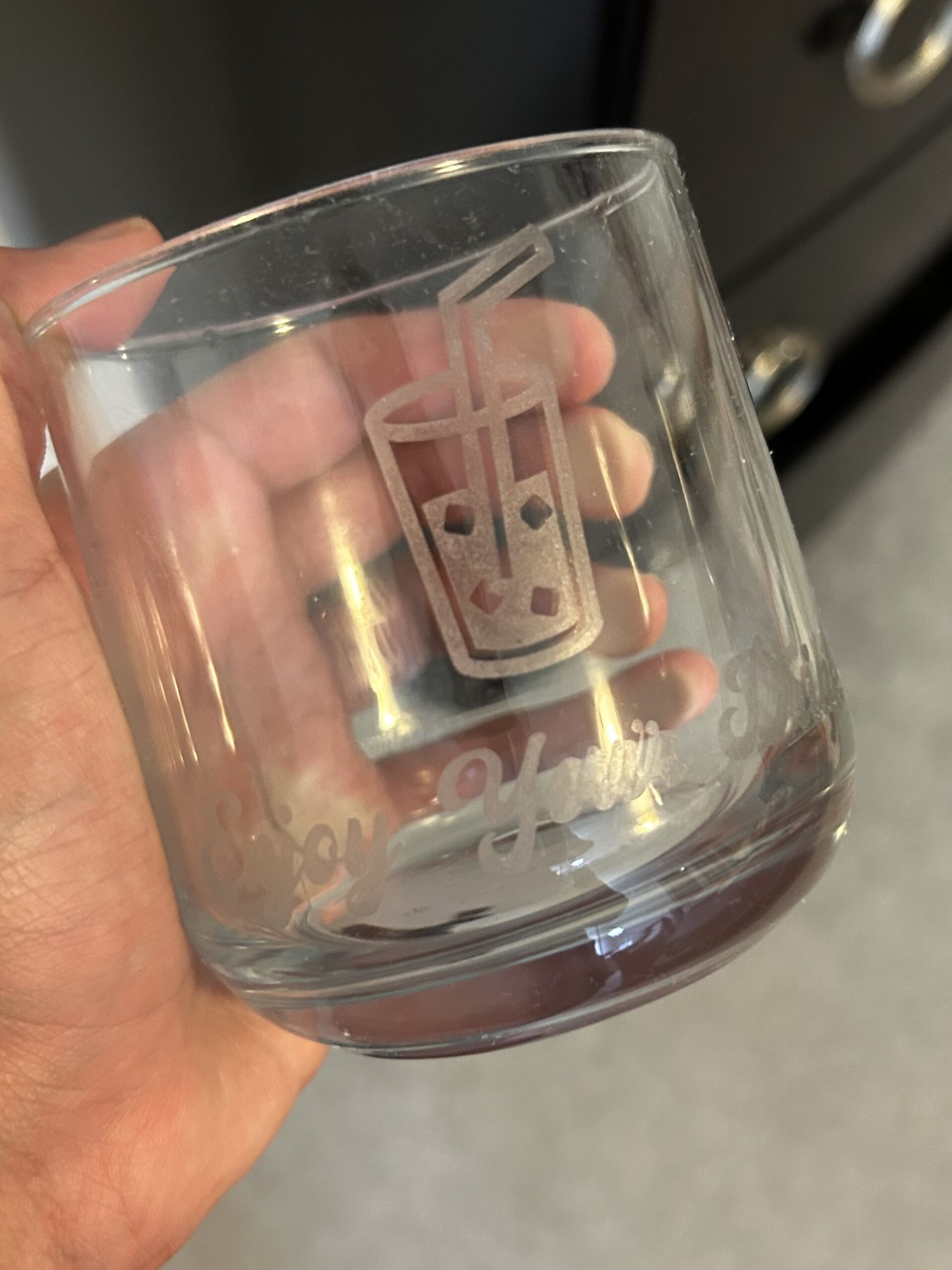
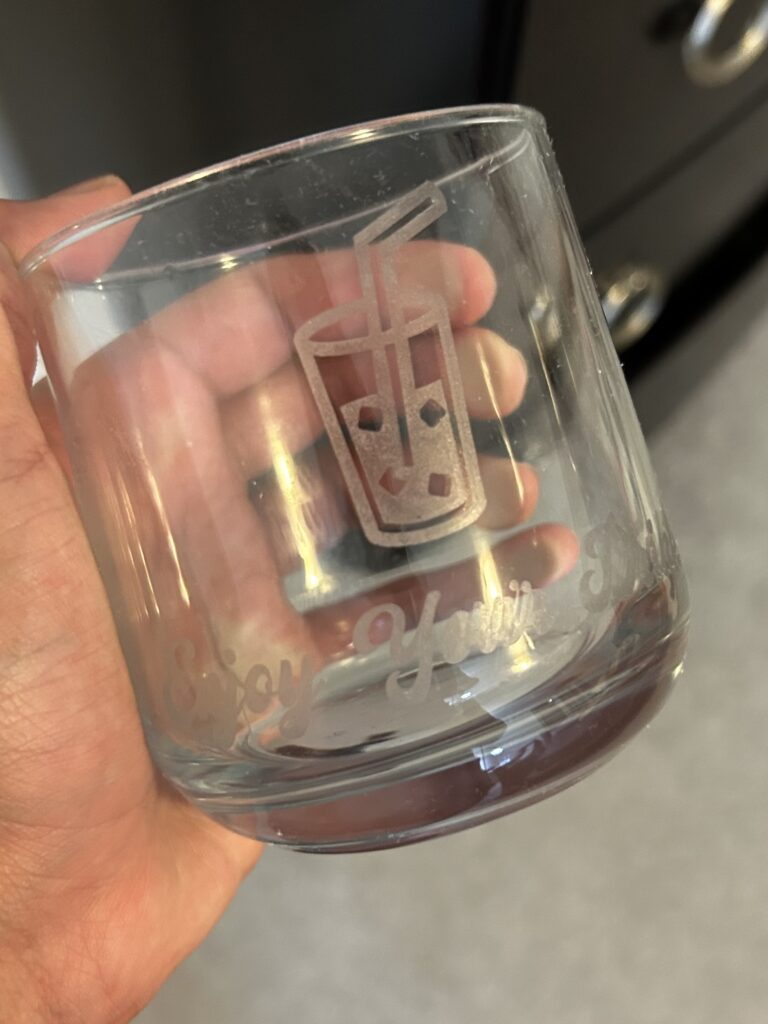
My glass without the painter’s tapeThe finished result
Conclusion
Etching glass with your Cricut and etching cream is a rewarding and creative way to personalize your glassware. With just a few simple tools and a bit of creativity, you can create custom mugs, wine glasses, and more—perfect for gifts or home décor. By following the steps outlined in this guide, you’ll be able to design and etch your own unique pieces, adding a personal touch to any occasion. Whether you’re a beginner or an experienced crafter, the process is straightforward and fun. Happy etching!