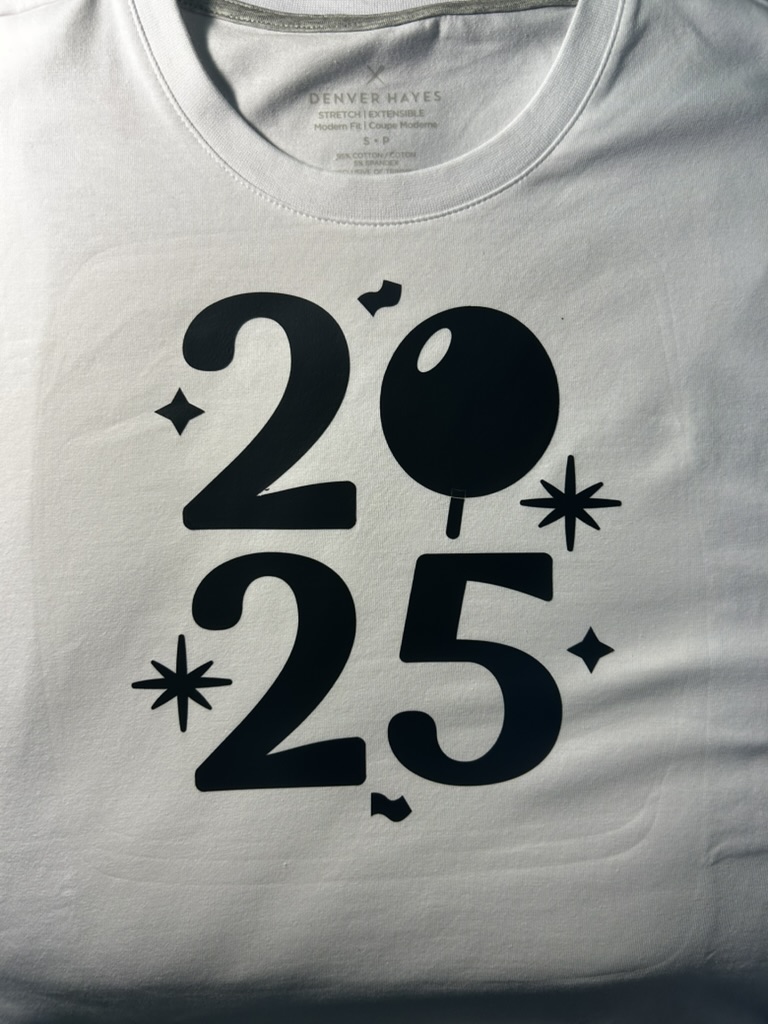
Ready to start 2025 in style? Whether you’re celebrating the new year or creating something unique, making a personalized shirt with your Cricut is a fun and creative way to show off your design skills. In this guide, we’ll walk you through the process step-by-step, from setting up your design to transferring it flawlessly onto your shirt. Let’s make something amazing!
What You’ll Need
- Cricut machine
- HTV Iron-On
- Cricut Design Space app
- Additional tools like a weeder or scraper
Step-by-Step Guide
1. Prepare Your Design
Open Cricut Design Space and select or customize your design. Choose a pattern or text suitable for the project.
2. Cut the Design
Follow the prompts in Design Space and cut the design.
3. Heat the Shirt
Use the Circut Heat to find the ideal setting for your material.
4. Peel the Plastic
Wait for the design to cool, then peel slowly.
And there you have it—your very own custom 2025 shirt! With just a few tools, a Cricut machine, and a bit of creativity, you can craft wearable art that’s uniquely yours. Don’t forget to share your creations with friends and family, or even start on your next Cricut project. Happy crafting! 🎉